这个我给 jetbrains 提的 issue,实际上是 idea 自动识别的路径有问题,只需要转换为正确的 WSL 路径即可。
As shown in the screenshot, my project is located in the WSL environment, and IntelliJ IDEA can correctly detect the Node.js runtime. However, when I select the package manager from the WSL environment, it reports that the package manager does not exist, even though it is actually installed. So it seems that IDEA is not correctly recognizing the package manager path.
如图所示,我的项目是在 WSL 环境中,并且可以识别到正常的 nodejs 运行时,但是当我选择 WSL 环境下的包管理器时,会报错包管理器不存在,但实际上我是有的,所以应该是 IDEA 的包管理器路径识别有问题。
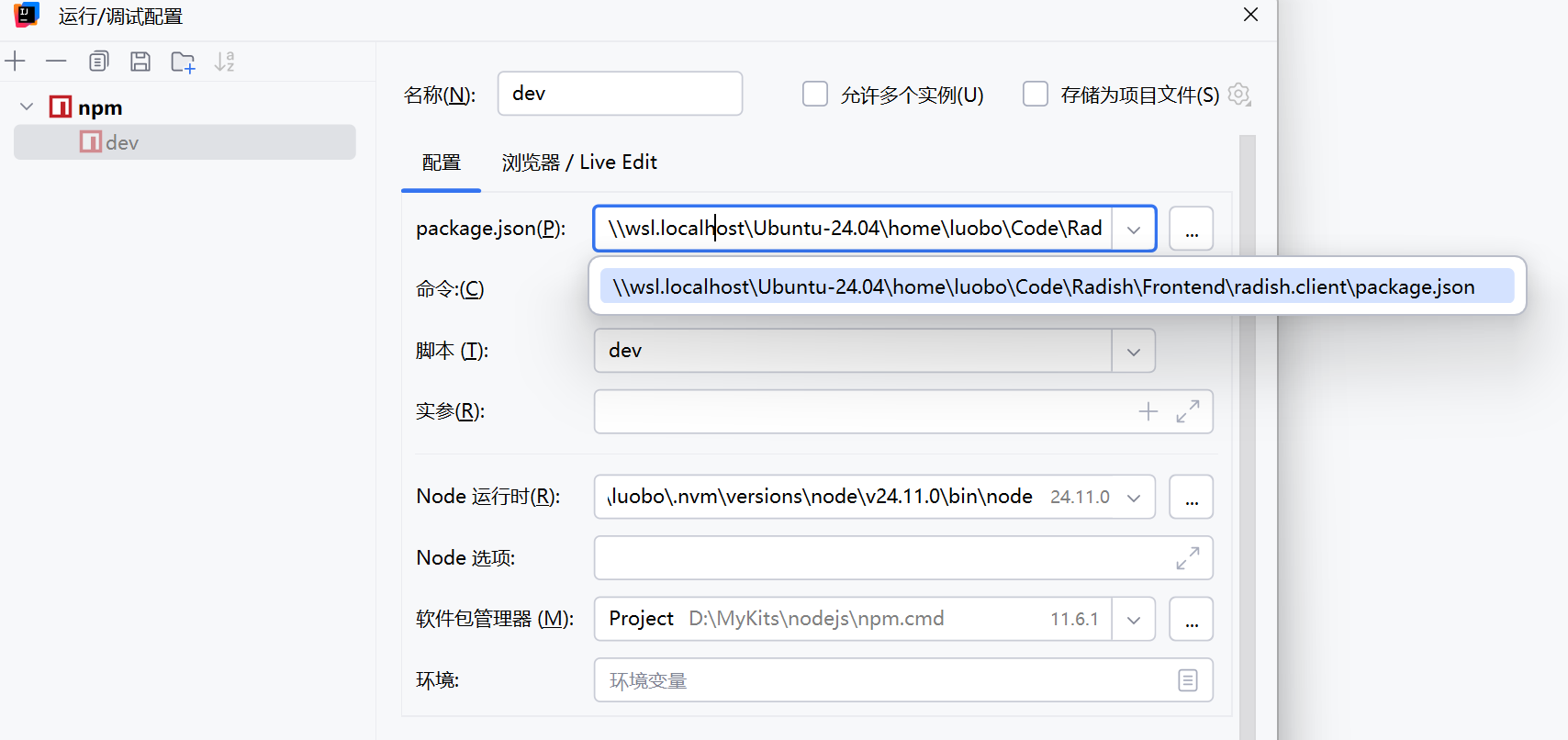
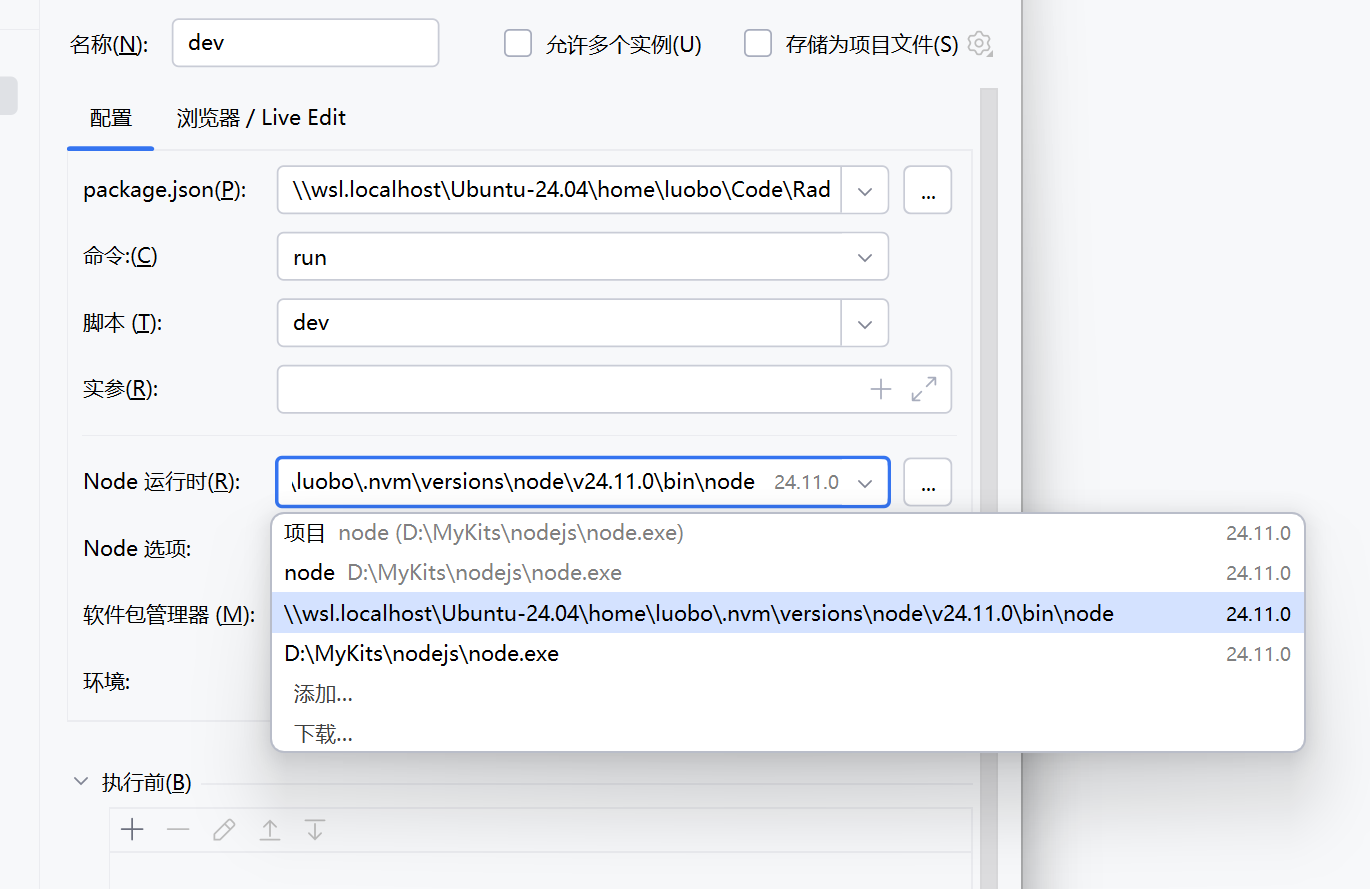
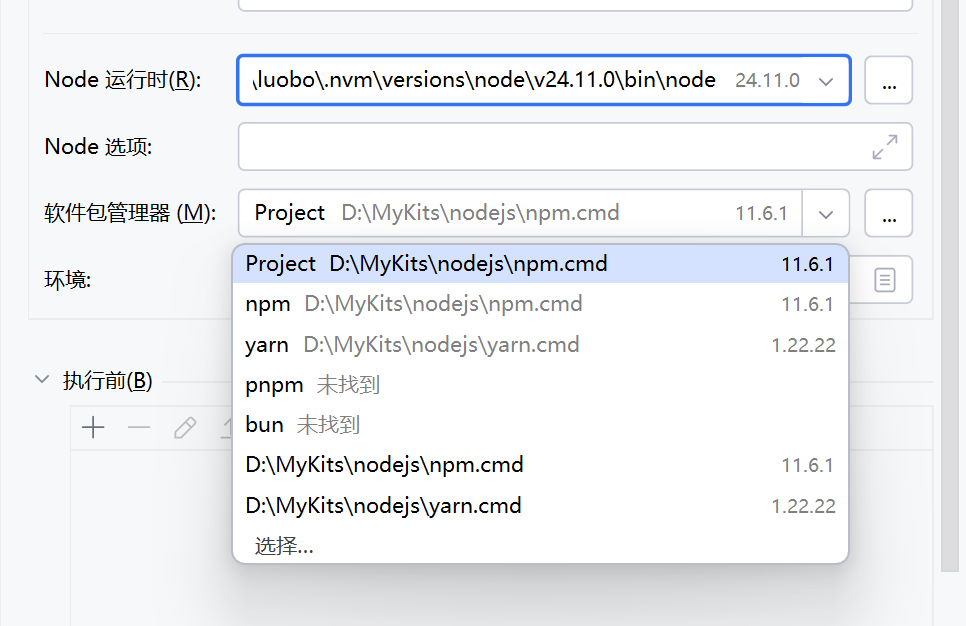
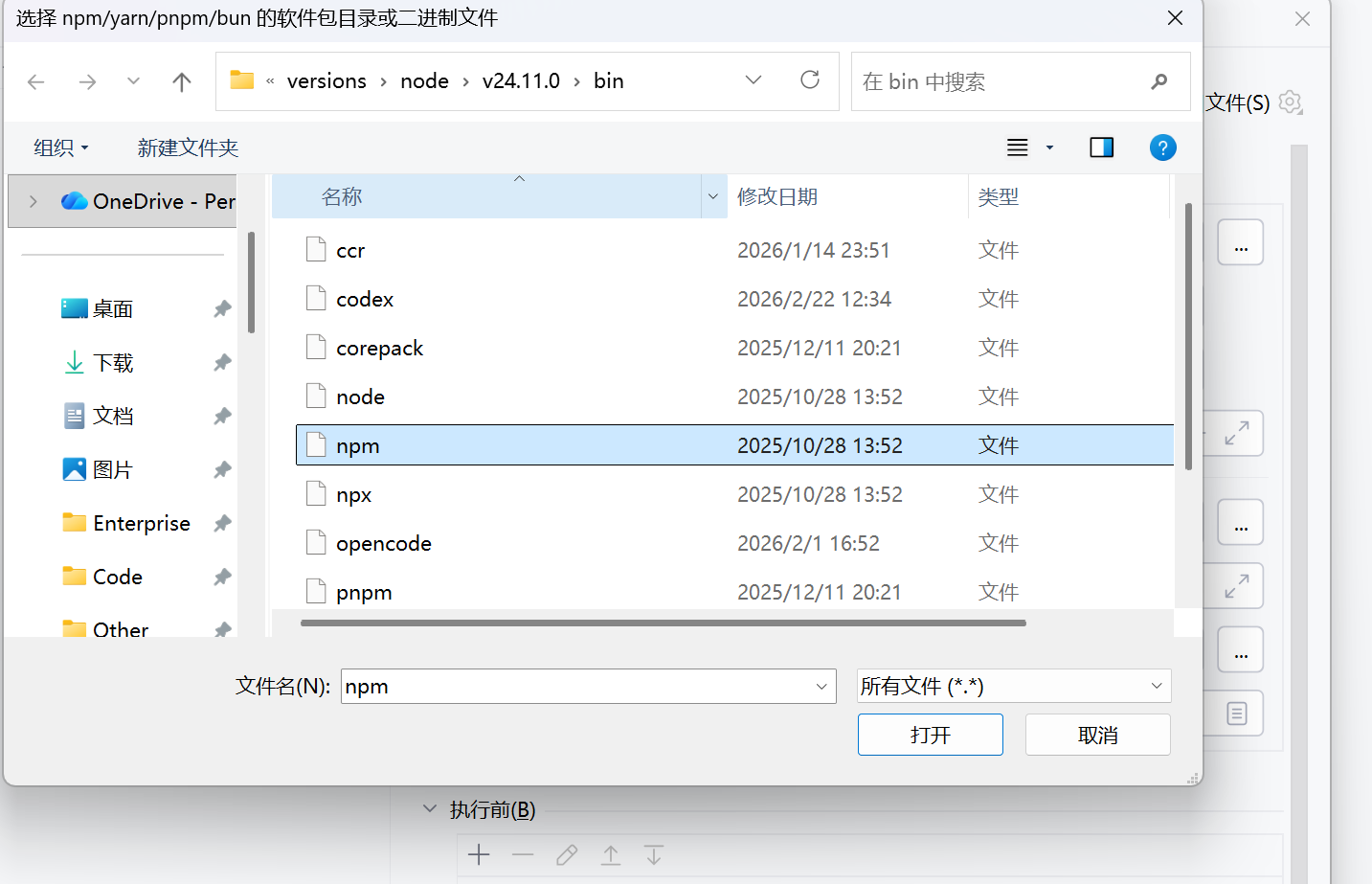
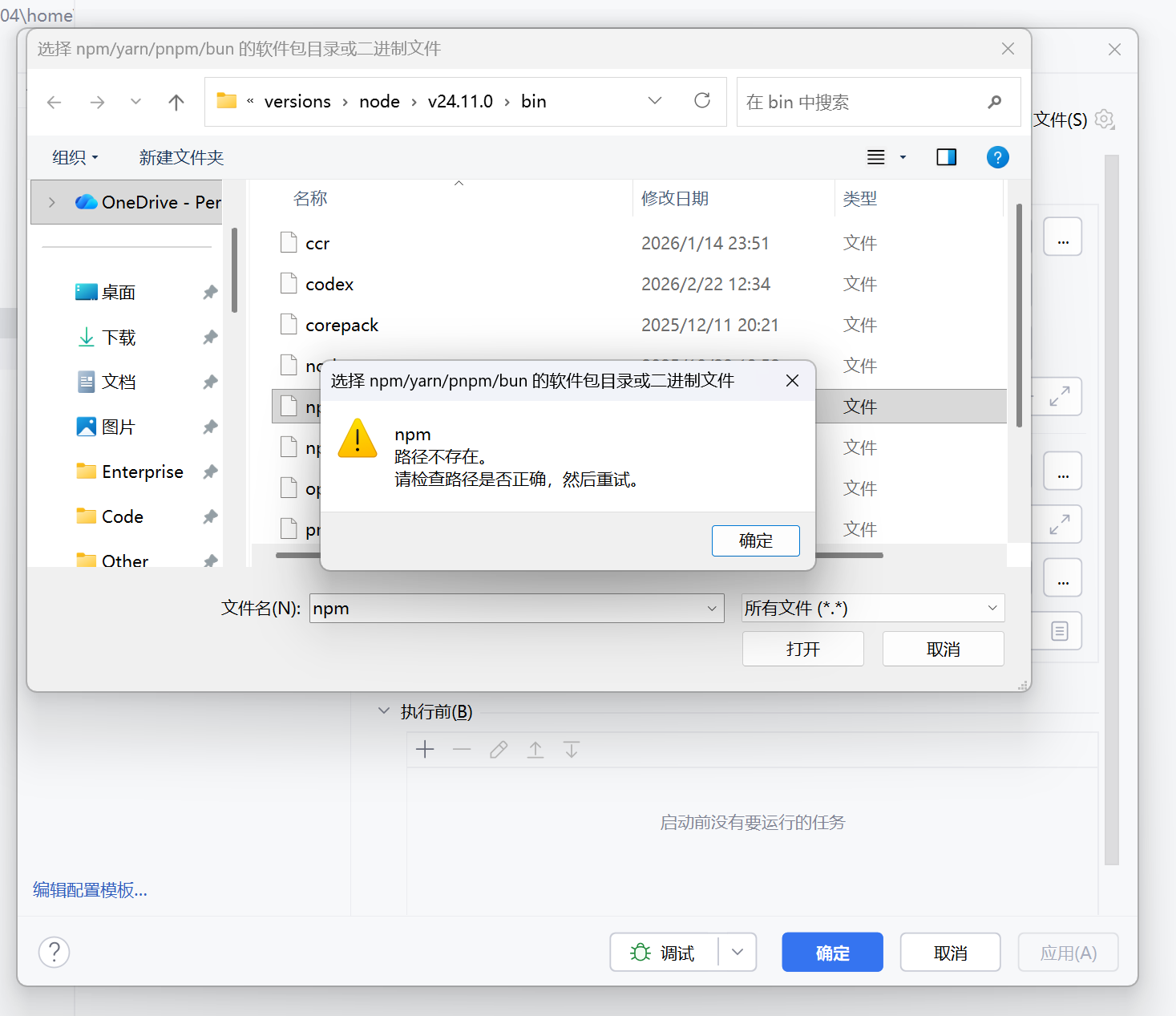
问题所在:
The problem is that Node.js interpreter is configured as a Windows local Node.js interpreter \\wsl.localhost\Ubuntu24.04\home\luobo\.nvm\versions\node\v24.11.0\bin\node . It should be WSL Node.js interpreter, like /home/luobo/.nvm/versions/node/v24.11.0/bin/node .
反斜杠是 Windows 的路径格式,且从 localhost 开始,实际上应该直接以 WSL 中的路径为准:


这样就没问题了!!!